

 The AI Engineer Path
Tool use
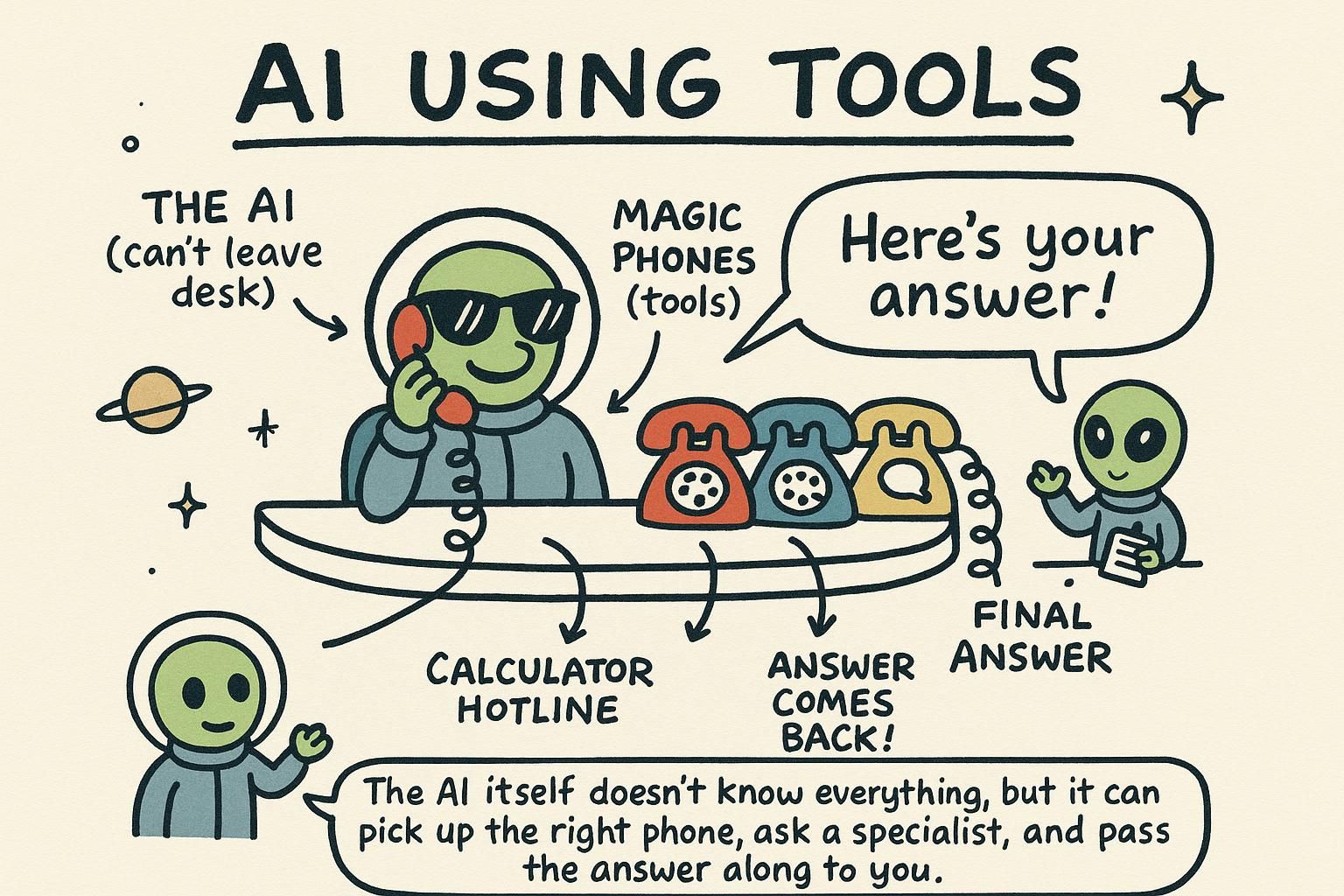
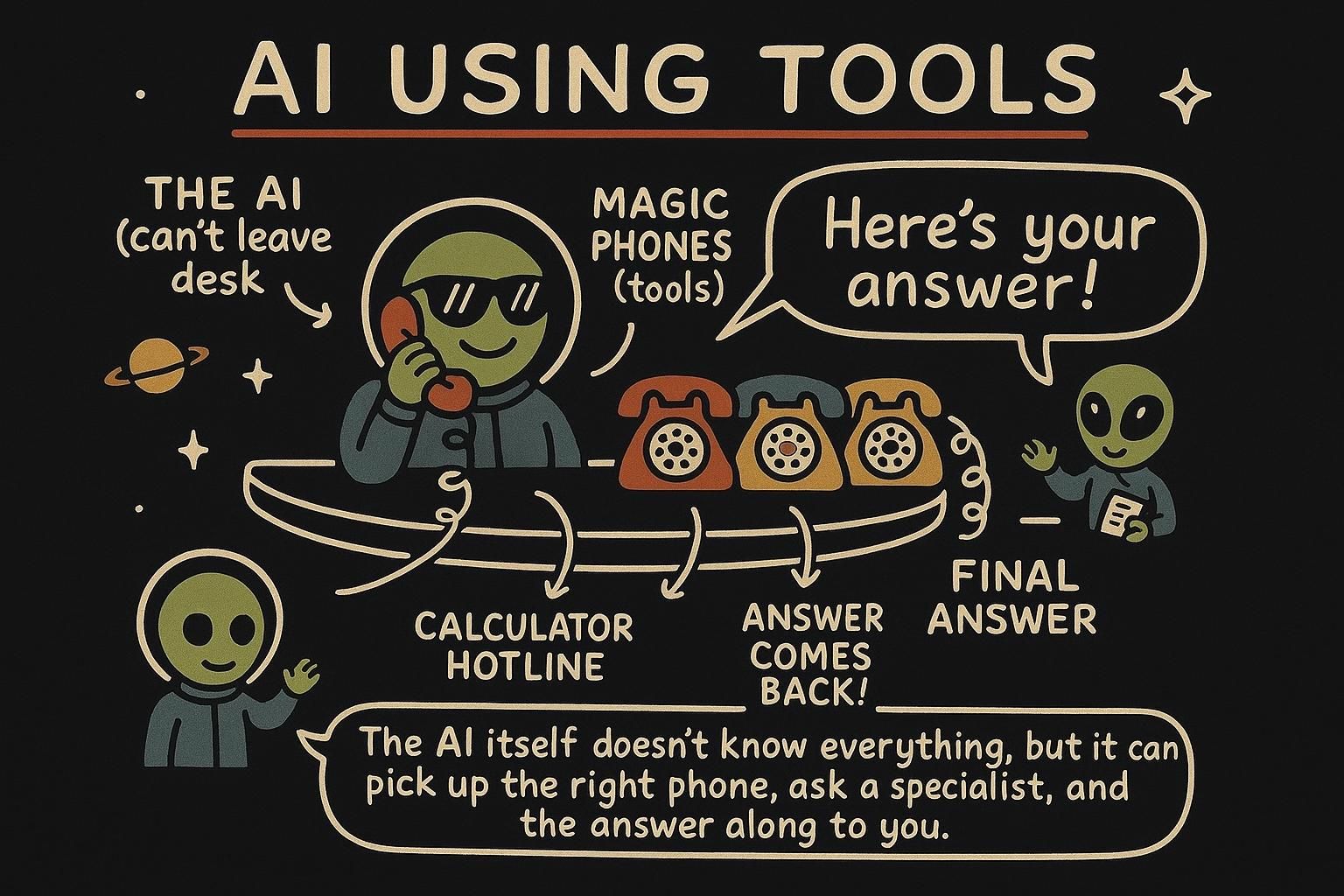
Tool use (often called function calling) is how a language model reaches past its own text box: you hand it a list of functions it may ask you to run, and it decides when to use them. The model never runs anything itself, it only requests a call, and your code does the work.
A model on its own is sealed in a box. It cannot check today's weather, look up a user in your database, or send an email. It only predicts text from what it learned, frozen at training time, the same picture from how LLMs work. Tool use is how you let it reach outside the box, and it is the foundation that agents are built on.
The word to hold onto is "ask". The model tells you which function it wants and with what arguments. Your code runs it and hands back the result. You stay in control the whole time.
The loop
Tool use is a back-and-forth, not a single call:
- You send the user's message plus a list of tools the model may use.
- The model replies in one of two ways: a normal answer, or a request to call a tool, with the arguments it wants.
- If it asked for a tool, your code runs that function and sends the result back to the model.
- The model uses the result to write its final answer.
That is the whole pattern. The model asks, your code runs. Steps 2 and 3 can repeat if the model needs several tools, which is the seed of agents a couple of chapters from now.

What is really happening
Tool use can feel like the model gained new powers, and it did not. Under the hood, the model is doing the one thing it always does: predicting text. Nothing has changed about the box it lives in.
When you include tool definitions in the request, you are adding them to the context the model predicts from. The model was trained on examples where, given tools like these, the right continuation is sometimes a specially formatted message that means "call get_weather with city Oslo" rather than a normal sentence. So when your question makes a tool look useful, the most probable next output is that structured tool-call message, and the API surfaces it to you as tool_calls.
The model has not reached out and run anything. It has predicted that a tool call is the right move and written a request for one, in a format your code knows how to read.
Then you, not the model, run the function. You take the real result and put it back into the messages as more context, and the model predicts its final answer from that enlarged context. The whole feature is two ordinary predictions with your code doing the real work in between.
You are the bridge between the model's text box and the real world. Hold that picture and the rest of the chapter, agents included, stops feeling mysterious: every action an AI takes is a predicted request that your code chooses to carry out.
tool_calls. The model never runs anything, it predicts a request. Your code runs the function and feeds the result back as more context for the next prediction, so you are the bridge between the model and the real world. Defining a tool
You describe each tool to the model: its name, what it does, and the arguments it takes. The description is not documentation for you, it is an instruction to the model about when to use the tool, so write it like the prompt it is.
tools = [
    {
        "type": "function",
        "function": {
            "name": "get_weather",
            "description": "Get the current weather for a city. Use when the user asks about weather.",
            "parameters": {
                "type": "object",
                "properties": {
                    "city": {"type": "string", "description": "The city name, e.g. 'Oslo'"},
                },
                "required": ["city"],
            },
        },
    },
]
The parameters block is a schema, the same idea as structured output: it defines the arguments the model must produce. When the model decides to call get_weather, it sends back a city argument matching this shape. A vague description ("gets weather") leads to the model using the tool at the wrong moments. A clear one ("Use when the user asks about weather") guides it well.
parameters schema for its arguments. The description is really a prompt: it tells the model when to use the tool, so write it carefully. The parameters schema is the same mechanism as structured output, constraining the arguments the model sends. Handling the call
When the model wants a tool, the reply contains tool_calls instead of a final answer. You read the requested function and arguments, run the real function, and send the result back as a tool message. Then you call the model again so it can finish.
import json

# real implementation of the tool
def get_weather(city):
    # in a real app this calls a weather API; here we fake it
    return {"city": city, "tempC": 18, "condition": "cloudy"}

messages = [{"role": "user", "content": "What's the weather in Oslo?"}]

# 1. first call: offer the tools
response = client.chat.completions.create(model=MODEL, messages=messages, tools=tools)
tool_calls = response.choices[0].message.tool_calls
tool_call = tool_calls[0] if tool_calls else None

if tool_call:
    # 2. run the requested function with the model's arguments
    args = json.loads(tool_call.function.arguments)
    result = get_weather(args["city"])

    # 3. send the model's request and your result back
    messages.append(response.choices[0].message)         # the assistant's tool request
    messages.append({
        "role": "tool",
        "tool_call_id": tool_call.id,
        "content": json.dumps(result),
    })

    # 4. call again so the model can answer using the result
    response = client.chat.completions.create(model=MODEL, messages=messages)

print(response.choices[0].message.content)
# "It's currently 18 degrees and cloudy in Oslo."
The arguments arrive as a JSON string, so you json.loads them into a real object, then check them before using. You push two messages onto the history: the model's tool request and your tool result, linked by tool_call_id. The final call turns the raw weather data into a natural sentence.
tool_calls instead of text. You parse the arguments out of a JSON string, run the real function, and push two messages back: the model's request and your result, linked by tool_call_id. A final model call turns your raw result into a natural answer. In practice
The same flow as a reusable function. Notice that the only thing standing between the model and your systems is code you wrote and control:
import json

tool_impls = {"get_weather": lambda args: get_weather(args["city"])}

def answer_with_tools(user_text):
    messages = [{"role": "user", "content": user_text}]

    response = client.chat.completions.create(model=MODEL, messages=messages, tools=tools)
    calls = response.choices[0].message.tool_calls
    if not calls:
        return response.choices[0].message.content  # model answered directly

    call = calls[0]
    args = json.loads(call.function.arguments)
    result = tool_impls[call.function.name](args)

    messages.append(response.choices[0].message)
    messages.append({"role": "tool", "tool_call_id": call.id, "content": json.dumps(result)})

    response = client.chat.completions.create(model=MODEL, messages=messages)
    return response.choices[0].message.content
This handles one tool call. A model can also request several at once, called parallel tool calls, which you would handle by looping over every entry in tool_calls. And if you let the model keep calling tools in a loop until it is done, deciding its own next step each time, you get an agent, which is exactly where the next chapter goes.