

 The AI Engineer Path
Structured output
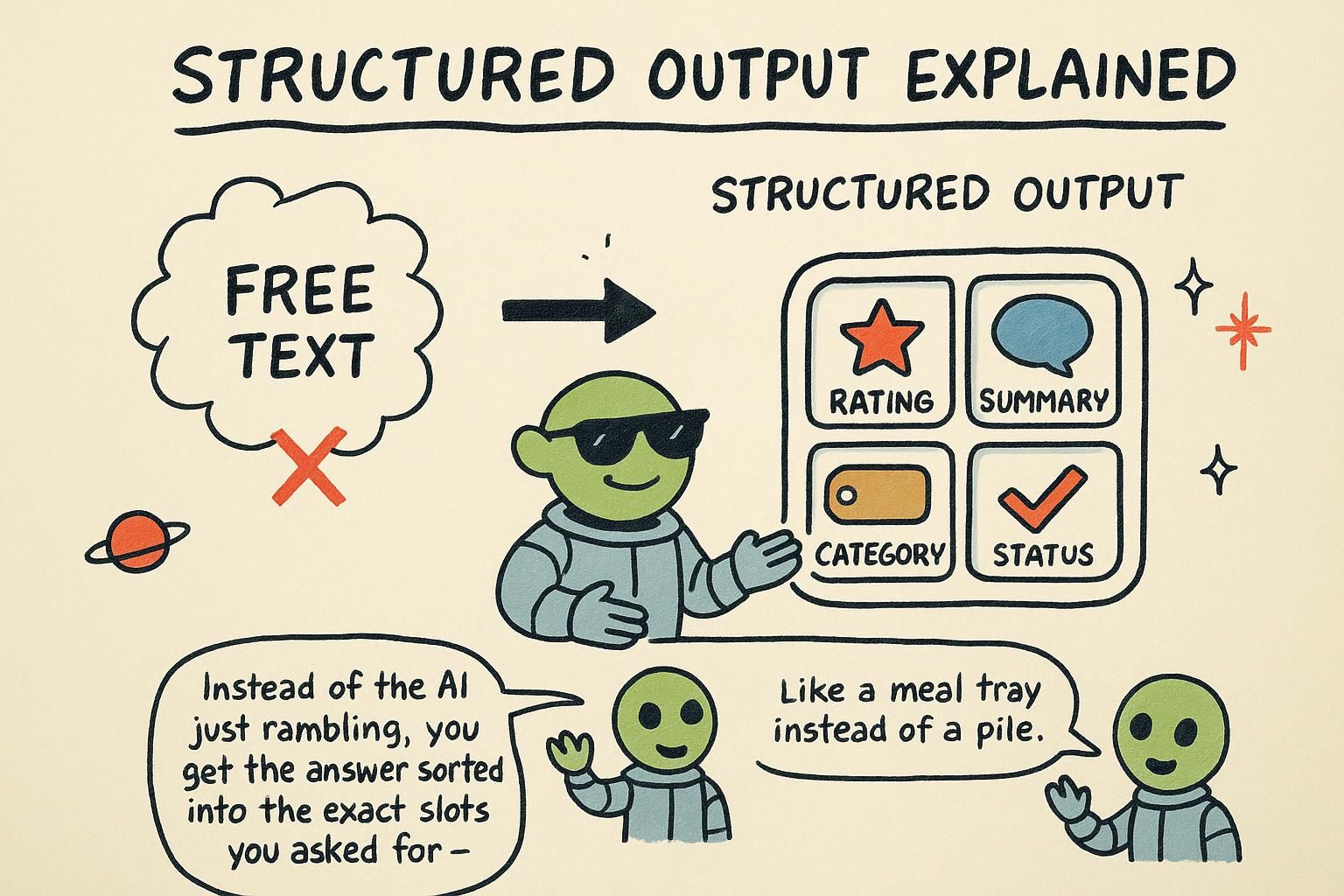
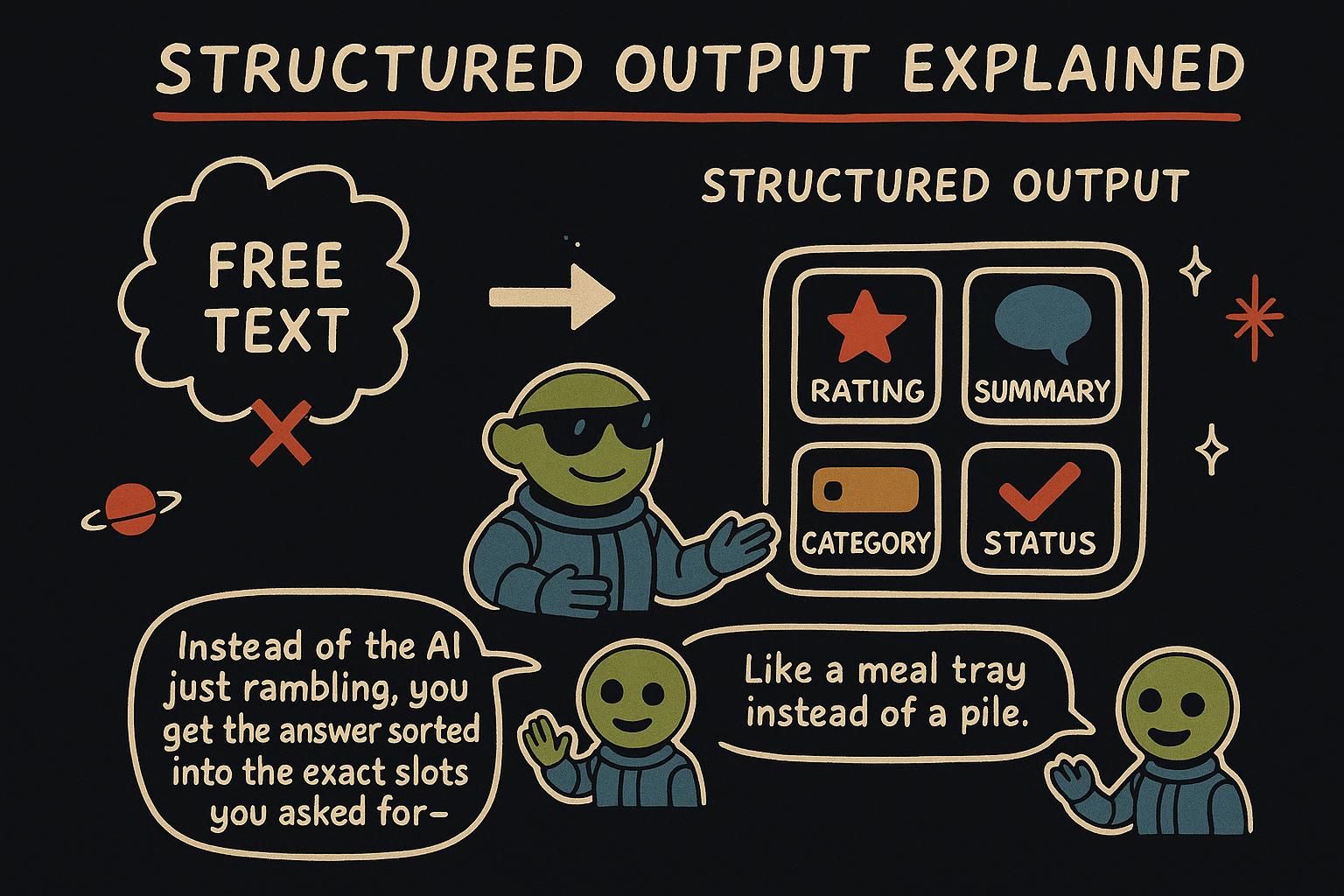
First, the shape of the problem. Structured output is the practice of getting a model to return data your code can read directly, a field you can branch on instead of a paragraph you have to parse by hand. This chapter is about making that reliable.
So far the model hands you text, which is fine when a person reads it. But software cannot do much with a paragraph. To act on a model's answer in code, you need it as data: a field you can read, a value you can branch on, a record you can save.
The shift is small but it changes everything downstream. Once the model returns { "sentiment": "negative" } instead of a sentence about how the customer seems unhappy, your code can route the ticket, update a dashboard, or send an alert. The interesting part is how you make the model produce clean data when all it does is predict text, and the answer reveals a lever you did not know you had.
Ask for JSON
The first instinct is to ask in the prompt: "reply as JSON", the plain-text format software uses to pass data around, written as fields and values inside curly braces. Try it and it mostly works, which is the trap. The model is still doing nothing but predicting probable text, and sometimes the probable text is a code fence, or a friendly "Sure, here you go!" before the data, or a trailing comment after it. Any of those breaks the code that reads the JSON. Asking nicely biases the prediction toward JSON; it does not force it.
So providers give you a real lever. Turning on JSON mode with response_format does more than ask: it constrains the model so the syntax comes back as valid JSON.
import json

response = client.chat.completions.create(
    model=MODEL,
    messages=[
        {"role": "system", "content": 'Extract the city and the temperature. Reply as JSON: { "city": string, "tempC": number }.'},
        {"role": "user", "content": "It's about 18 degrees in Oslo right now."},
    ],
    response_format={"type": "json_object"},  # constrains output to valid JSON syntax
)

data = json.loads(response.choices[0].message.content)
print(data["city"], data["tempC"])  # "Oslo" 18
response_format={"type": "json_object"} makes the output valid JSON syntax, so json.loads will not choke on stray prose. You still describe the fields you want in the prompt, because JSON mode promises valid JSON, not the particular fields you had in mind. It rules out "not JSON at all", not "JSON with the wrong shape". One thing it still cannot promise: if the reply gets cut off mid-way, you can receive half a JSON object, so it is reliable syntax, not a hard guarantee in every case.

response_format to JSON mode constrains the syntax so it comes back as valid JSON. It does not promise the fields match what you asked for, and a reply cut off partway can still arrive as half an object, so describe the shape in the prompt and check what lands. Lock the shape with a schema
JSON mode keeps the syntax valid, but the model might still rename a field, drop one, or nest things differently. To remove that wiggle room, give it a schema: an exact description of the fields and types the output must have, a form the model is required to fill in. With strict: true, the output is then guaranteed to match that form.
import json

response = client.chat.completions.create(
    model=MODEL,
    messages=[
        {"role": "system", "content": "Extract the contact details from the message."},
        {"role": "user", "content": "Hi, I'm Mara Lin, reach me at mara@example.com."},
    ],
    response_format={
        "type": "json_schema",
        "json_schema": {
            "name": "contact",
            "strict": True,  # enforce the schema exactly
            "schema": {
                "type": "object",
                "properties": {
                    "name": {"type": "string"},
                    "email": {"type": "string"},
                },
                "required": ["name", "email"],
                "additionalProperties": False,
            },
        },
    },
)

contact = json.loads(response.choices[0].message.content)
# {"name": "Mara Lin", "email": "mara@example.com"}
How can a schema be a hard guarantee when the model only predicts tokens? Because the provider restricts which tokens it is allowed to predict. At each step the model still ranks all the possible next tokens, but the system removes the ones that would break your schema, and the model picks from what is left.
If the schema says the next field must be email, tokens that would start any other field are taken off the table before the model chooses. The off-shape tokens are removed, so the model cannot drift off-shape.
There is a softer effect worth knowing. The field names you choose become part of what the model reads when predicting the value, so a clear name guides a better answer. Asked to fill tempC, the model leans toward a Celsius number; asked to fill value, it has far less to go on. Naming fields clearly is part instruction, part schema.
strict: true it gets the exact fields and types, because the system removes any token that would break the shape before the model picks. That is enforcement, not a polite request. Name your fields clearly too, since the field name is context the model reads when it predicts the value. Took me a while to trust that a name like tempC does real work. Validate anyway
A schema constrains the shape, but treat the output as data from the outside world regardless. The shape can be valid while the content is wrong: an extracted email that is actually a typo, a number the model guessed, a field left blank because the input did not contain it. And the call can still fail in ordinary ways, like getting cut off by max_tokens and arriving as truncated JSON. Parse defensively: a valid shape is not a correct value.
import json

def parse_contact(raw):
    try:
        data = json.loads(raw)
        if not data.get("name") or not data.get("email"):
            return None  # present but empty
        return data
    except json.JSONDecodeError:
        return None  # not valid JSON (for example, a truncated reply)

contact = parse_contact(response.choices[0].message.content)
if not contact:
    pass  # handle the failure: retry, ask again, or show a friendly error
This is the hallucination lesson from how LLMs work in a new costume: the shape being right does not make the values right. A schema guarantees you get a name field; it does not guarantee the name is correct. A try/except around the parse plus a check of the values is cheap insurance against the reply that is well-formed and still wrong.
try/except and check the values before you trust them. Decide up front what happens when validation fails, a retry or a friendly error, so it is not a scramble later. Two patterns: classify and extract
Most structured-output work is one of two shapes.
Classification sorts an input into one of a fixed set of labels. An enum in the schema constrains the output to exactly those labels, using the same token-pruning trick: at the label position, only the allowed values can be predicted, so the model cannot invent a category that is not on your list.
# schema fragment for classification
{"type": "string", "enum": ["billing", "technical", "general"]}
Extraction pulls specific fields out of free text, like the contact example earlier: a name, a date, an amount, a list of product names. Together, classify and extract cover a large share of real AI features: routing support tickets, tagging content, turning emails into records, reading receipts. Both turn a fuzzy text generator into a dependable component your code can build on.
enum so the model cannot invent a category off your list. Extraction pulls named fields out of free text into a record. Both turn a fuzzy text generator into a dependable component, and between them they cover a large share of practical AI features. In practice
Turning a messy support email into a structured ticket, combining classification and extraction in one schema:
import json

response = client.chat.completions.create(
    model=MODEL,
    messages=[
        {"role": "system", "content": "Turn the support email into a ticket."},
        {"role": "user", "content": email_text},
    ],
    response_format={
        "type": "json_schema",
        "json_schema": {
            "name": "ticket",
            "strict": True,
            "schema": {
                "type": "object",
                "properties": {
                    "category": {"type": "string", "enum": ["billing", "technical", "general"]},
                    "urgency": {"type": "string", "enum": ["low", "medium", "high"]},
                    "summary": {"type": "string"},
                },
                "required": ["category", "urgency", "summary"],
                "additionalProperties": False,
            },
        },
    },
)

ticket = json.loads(response.choices[0].message.content)
# {"category": "billing", "urgency": "high", "summary": "Double-charged for last month's subscription."}
One call classifies the email two ways and extracts a summary, returning a record your code can route and store, with the shape guaranteed and the values still worth checking. So far everything has flowed text in and text out. Next you give the model a different sense entirely: in Embeddings, text becomes numbers you can compare by meaning, the foundation for search and for working with your own documents.