

Images
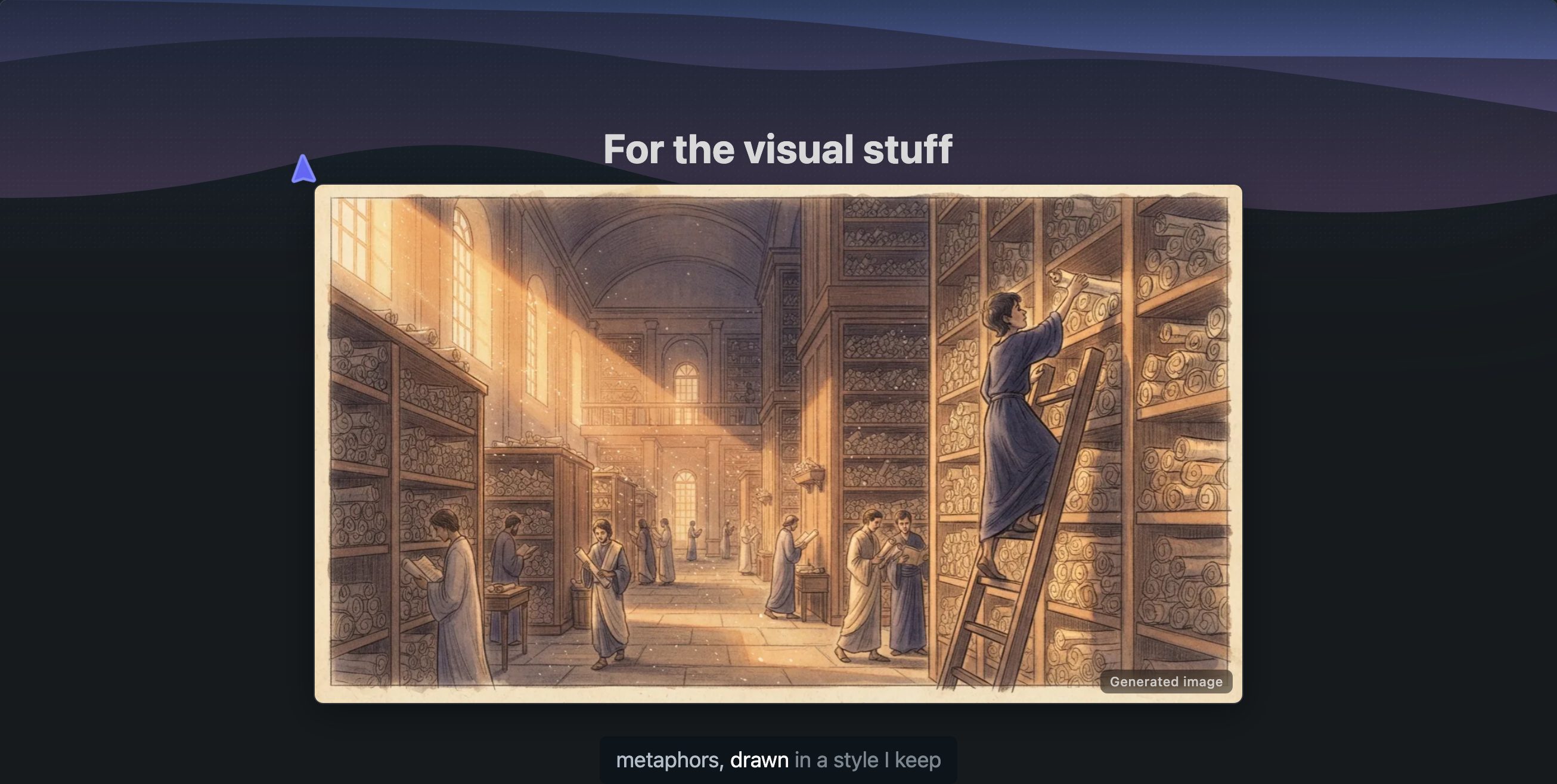
Explainers about stories, places, and people get generated images. History and other non-code topics can play like a short documentary: an image sets each scene while the narration explains the facts.
All images in an explainer share one art style, chosen once for the whole lesson, so it looks like one film rather than a collage of clip art. Code-heavy explainers use images sparingly: maybe an opening scene or a closing one, with the technical parts left to code, diagrams, and animations.
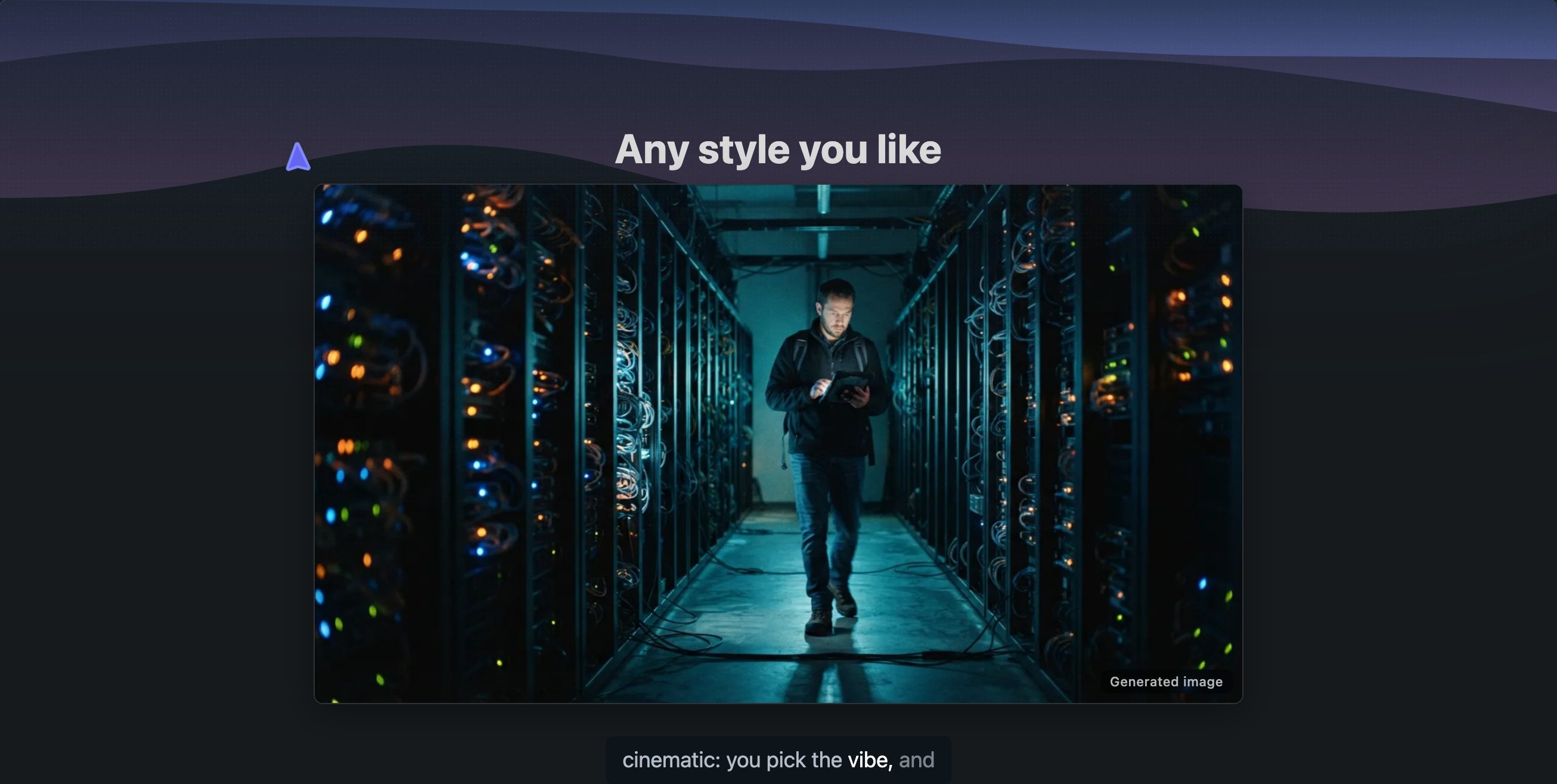
An image sets a scene. When a topic breaks into four labelled parts, the lesson uses an infographic instead: one generated picture explored part by part.
Images are never used for exact content like code, tables, or formulas. Those go on slides that render them precisely.
Getting good image slides
Story topics get images on their own. You can also ask directly: make it visual, like a documentary.